📝 About this design
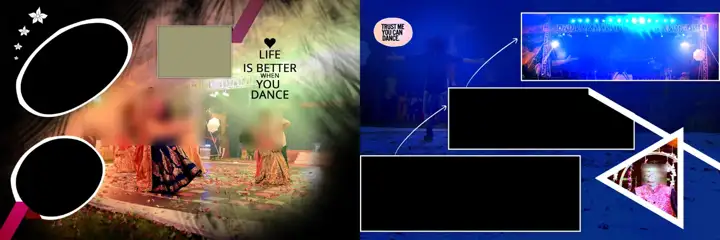
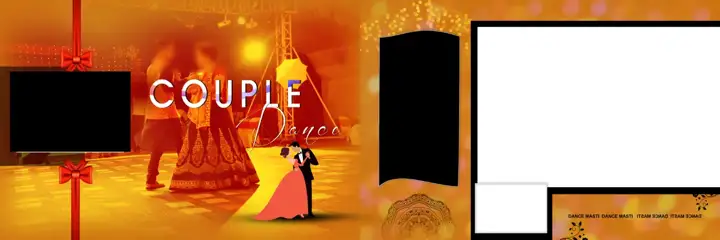
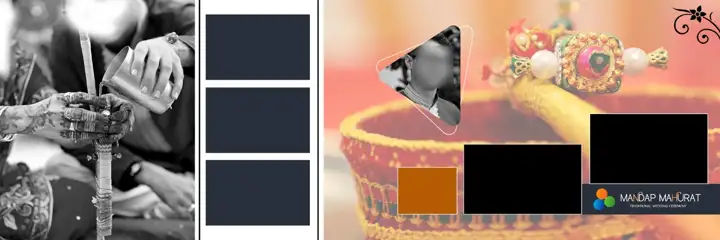
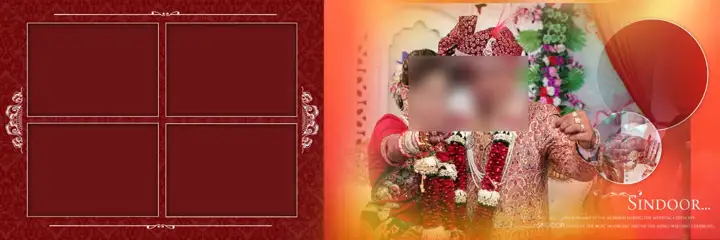
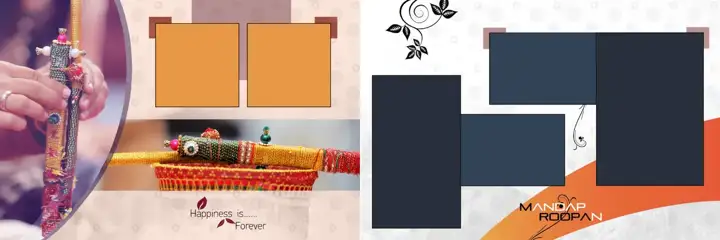
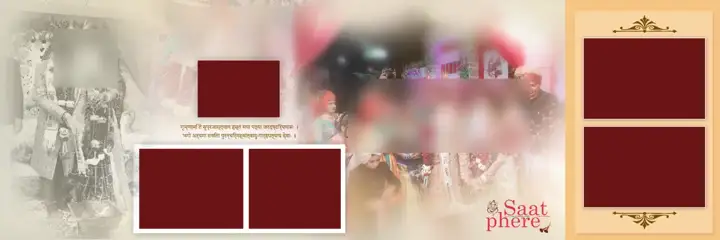
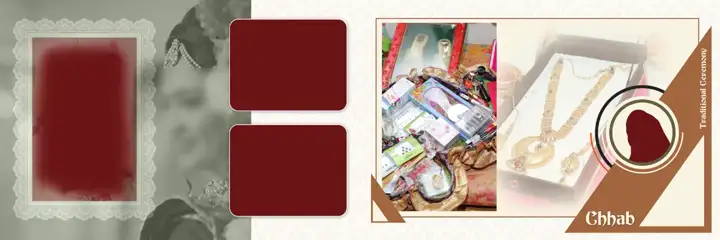
Save hours of layout work with this 12x36 wedding album psd in traditional vintage frame style Photoshop file. Simply place photos into the smart clipping masks and tweak the colours. Works well for both beginners and experienced Photoshop designers. Size: 5400x1800 pixels at 150 DPI, RGB colour, about 43.46 MB. Free download, no login needed. Tip: use an adjustment layer to match the theme colours to your photos.
🖨 Print & usage tips
Clip your photos into the frame layers with Alt+Ctrl+G, keep important faces away from the centre fold, and check your lab's bleed before export.
More in Wedding Album 12x36 PSD · Guide: Album design guides
Advertisement
Similar designs